This R package provides a Shiny app for scouting volleyball matches to produce detailed data files. It is free and open-source, with similar functionality to the commercial DataVolley and VolleyStation software packages.
Scouting can be done either with a guided point-and-click interface, or by typing.
The click-scouting interface is for users who aren’t proficient with the
keyboard interface. While there are many tablet- and phone-based
scouting apps that also use a click-style interface, ovscout2 provides
more complete match data that is fully dvw compatible and can be used
for advanced statistical analysis, and yet (we hope) remains easy to
use.
To try it on a short match video clip:
ov_scouter_demo()
To use with your own data:
ov_scouter(video_file = "/path/to/video.mp4",
           season_dir = "/path/to/existing/files")
If you don’t provide the video file path, it will pop up a file
navigator for you to select one. The season directory (a directory
containing existing .dvw or .ovs files) can also optionally be provided.
If a new match is being scouted, the teams can be selected from those in
the season directory. You can also provide it with a partially-scouted
.dvw or .ovs file, to continue scouting where you left off.
See help("ov_scouter") for more options, or the user
manual.
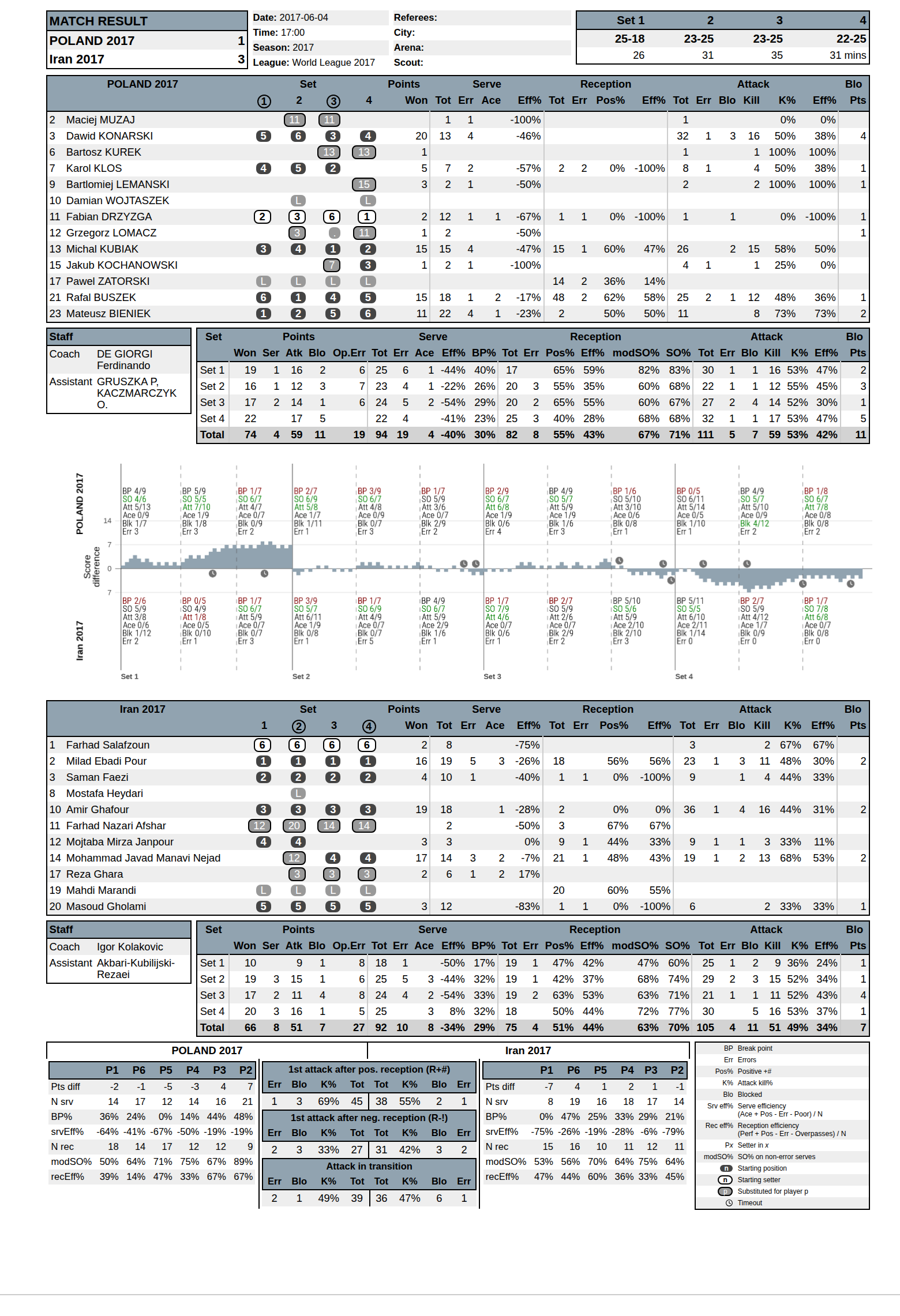
After you’ve scouted your match video, you can generate a match report directly from this app (see an example here). The data can be analyzed further with the openvolley suite of R packages, or with any other volleyball analytics software that takes dvw files as inputs.
Science Untangled offers a suite of advanced volleyball analytics apps, most of which can be used for free to analyze a single match at a time. Of note is the match file validator which will allow you to check your file for errors, run some analyses, and even export the play-by-play data as CSV to analyze in Excel (or elsewhere) if you are so inclined.
Q: This seems awfully complicated! Why not just use one of the multitude of apps available for phones and tablets, many of which have much simpler (quicker) data entry methods?
A: If one of those apps meets your needs, by all means use it. But the tradeoff with many of them is that the data being collected is limited, and you will quickly reach the limit of the analysis questions that you can answer. Some simple examples:
The ovscout2 package is capable of collecting the same level of data detail as professional scouting software, but also offers a simplified data option that still allows a wide range of analysis questions to be answered.
If you are not an R user, see the user manual for standalone installers.
Otherwise:
install.packages("ovscout2", repos = c("https://openvolley.r-universe.dev",
                                       "https://cloud.r-project.org"))

## or

## install.packages("remotes") ## if needed
remotes::install_github("openvolley/ovscout2")
Two other system utilities are recommended but not required:
pandoc is required for generating match reports. If not present, the report generation menu won’t be shown. If you are using RStudio, you do not need to install pandoc because RStudio comes bundled with its own copy. Otherwise install following https://github.com/jgm/pandoc/blob/master/INSTALL.md.
lighttpd is a lightweight web server
that is used to play the match video (when using a local video
file). Install (from within R, on Windows only) using
ovscout2::ov_install_lighttpd() or manually from
http://lighttpd.dtech.hu/ (for Windows) or via your package
manager for other operating systems (see
https://redmine.lighttpd.net/projects/lighttpd/wiki/GetLighttpd).
If lighttpd is not installed, the app falls back to
servr but this is a little slower
and less responsive than lighttpd.